








The Wi-Fi router has become one of those devices that stays on all the time. It is in homes, offices, bedrooms, living rooms and workspaces, often running day and night without us thinking much about it. That is why many people ask whether it makes sense to place orgonite near the router, computer, television or other electronic devices.
The short answer is: yes, many people use orgonite in those areas, but it should be done with common sense. Orgonite can be a useful support tool, but the first step should always be reducing unnecessary exposure where possible. If you can use an Ethernet cable instead of Wi-Fi, that is better. If you can turn the Wi-Fi off at night, even better. And if you also place the right orgonite piece in the area, you have a more complete strategy.
In this guide we will look at what type of orgonite to use near the router, what to choose for the desk, when Towerbusters make sense, when an orgonite pyramid may be the better visual option, and how to combine all this with simple habits for a calmer home.
First: reduce the signal when you do not need it

Before talking about orgonite pieces, there is a basic idea: if you can reduce an unnecessary source of electromagnetic radiation, do it. You do not need to live in a cave or become obsessive. Just apply practical household logic.
Wi-Fi is convenient, but it is not always essential. For a desktop computer, a smart TV or a console that stays in the same place, you can often use an Ethernet cable directly from the router. It is usually more stable, often gives better speed, and avoids having that specific device connected through wireless signals.
Practical tip: if your main computer is close to the router, try an Ethernet cable. It is cheap, stable and reduces your dependence on Wi-Fi. Then you can keep Wi-Fi only for phones, tablets or devices that really need it.
Turning Wi-Fi off at night
Another simple measure is to disconnect Wi-Fi during the night. If nobody is using it while you sleep, it does not make much sense to leave it broadcasting for eight hours.
There are several ways to do this:
- Turn the router off manually before going to bed.
- Enter the router settings and schedule Wi-Fi hours, if your model allows it.
- Use a timer plug that cuts power after a programmed hour.
- Use a smart plug with an automatic schedule.
The timer plug option is especially simple. For example, you can program it to disconnect the router at 00:30 and turn it back on at 07:30. That way, you do not need to remember it every night.
If you need wired internet during the night for a specific system, check whether your router allows you to turn off only the Wi-Fi signal without cutting the whole internet connection. Some models allow this from their internal settings.
So what role does orgonite play near the router?
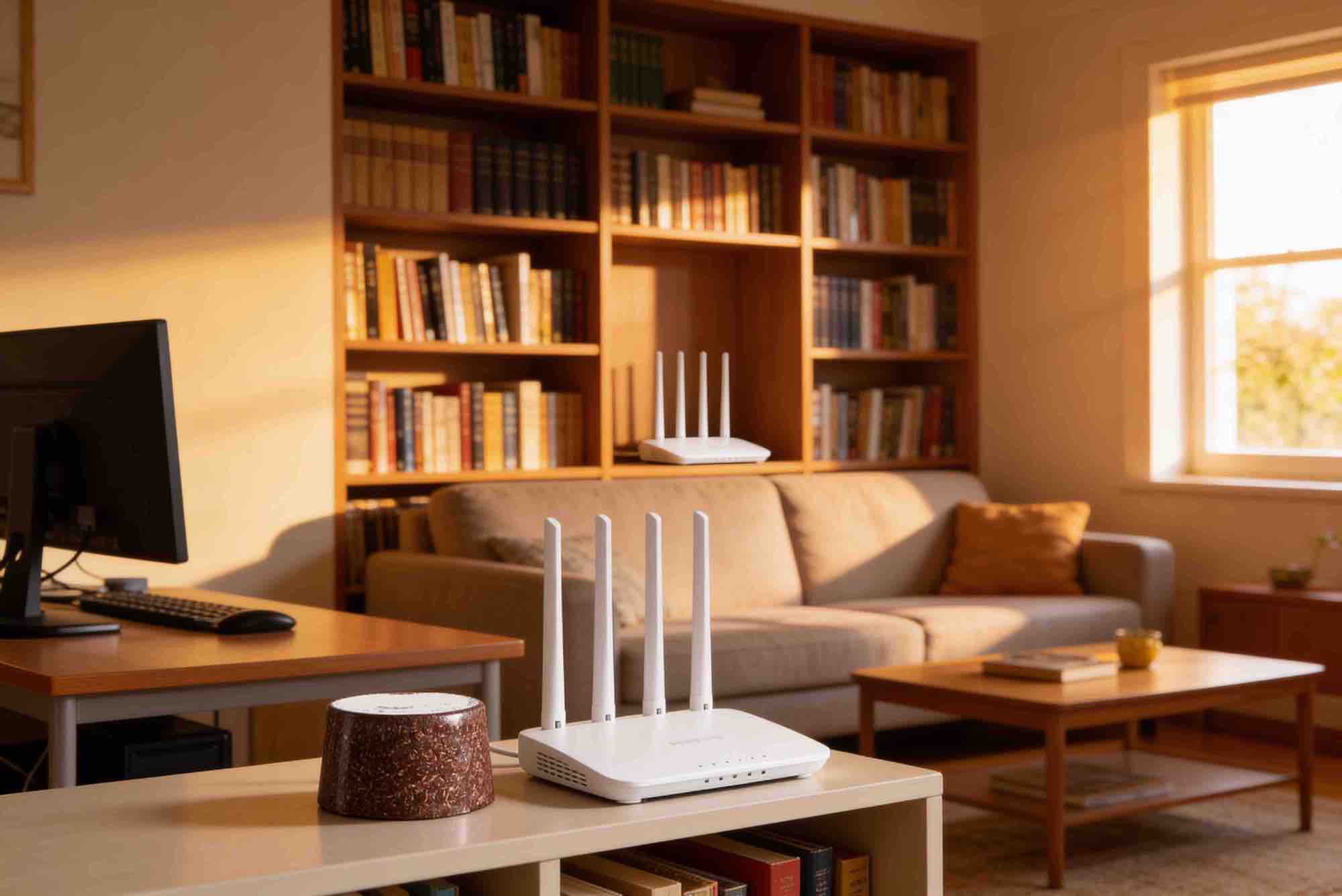
Orgonite should not be used as an excuse to keep everything switched on without thinking. It is better to see it as a complementary tool. First, reduce what can be reduced. Then place orgonite in strategic points.
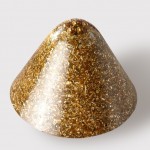
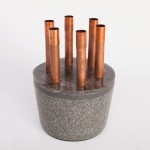
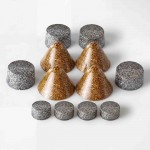
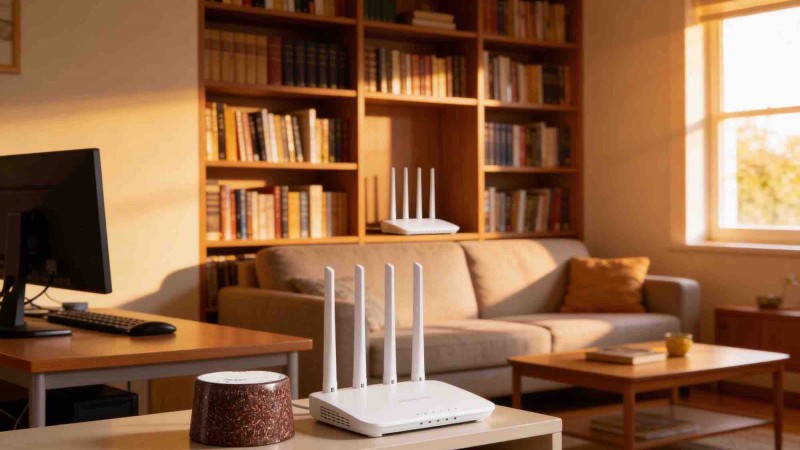
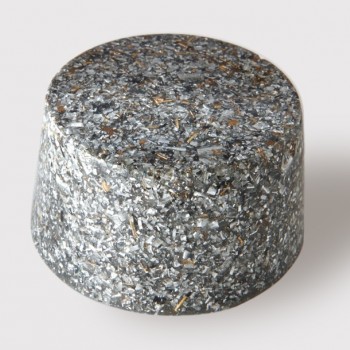
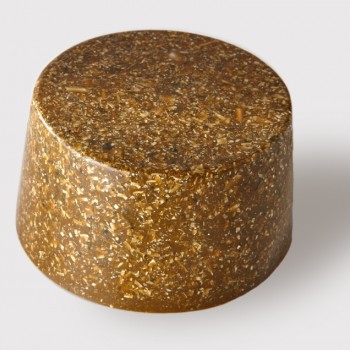
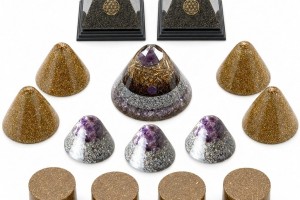
Near the router, a good option is usually a practical piece of field orgonite, especially Towerbusters. They are compact, resistant and designed to work discreetly.
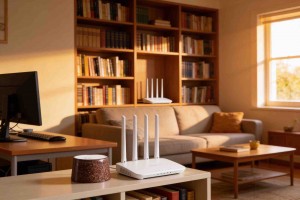
Place them near the router, but do not block vents, cables or airflow. The router needs to breathe. An orgonite piece can be next to it, behind it or on a nearby shelf, but not on top of ventilation slots.
What piece to use depending on the device
| Area or device | Recommended piece | Why |
|---|---|---|
| Wi-Fi router | Towerbusters | Practical, discreet and easy to place next to the router. |
| Desk with computer | Orgonite pyramid or Towerbusters | The pyramid is visible and decorative; Towerbusters are more functional and discreet. |
| TV, console or multimedia area | Towerbusters or a small pyramid | Easy to place near electronics without taking too much space. |
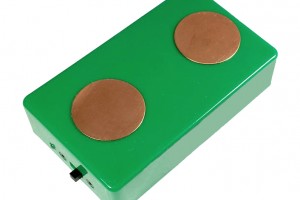
| Mobile phone or tablet | Orgonite cell phone shield | A specific piece designed to accompany phone or tablet use. |
| Whole home | Combination of Towerbusters, pyramids and interactive pieces | Allows you to cover specific points instead of expecting one piece to do everything. |
Orgonite for the computer and work area
The desk is one of the most interesting places to use orgonite. It often has a computer, screen, chargers, phone, nearby router, lamps and many hours of concentration.
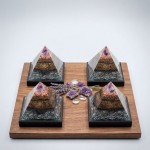
If you want something discreet, you can place one Towerbusters piece in a corner of the desk or behind the screen. If you prefer something visible and decorative, an orgonite pyramid can work very well as a central desk piece.
You can also combine both ideas: one practical piece near cables or devices, and one visible pyramid on the desk. You do not need to turn the desk into an altar. Just place the pieces where they make sense and do not get in the way.
Orgonite for mobile phones and tablets
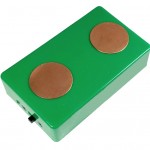
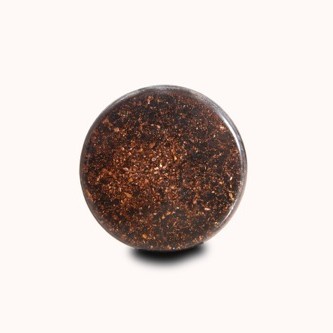
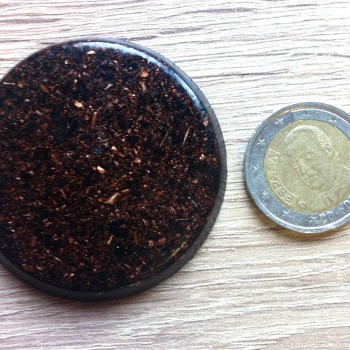
The mobile phone is different from the router because we carry it, bring it close to the head, leave it on the bedside table and use it many times a day. That is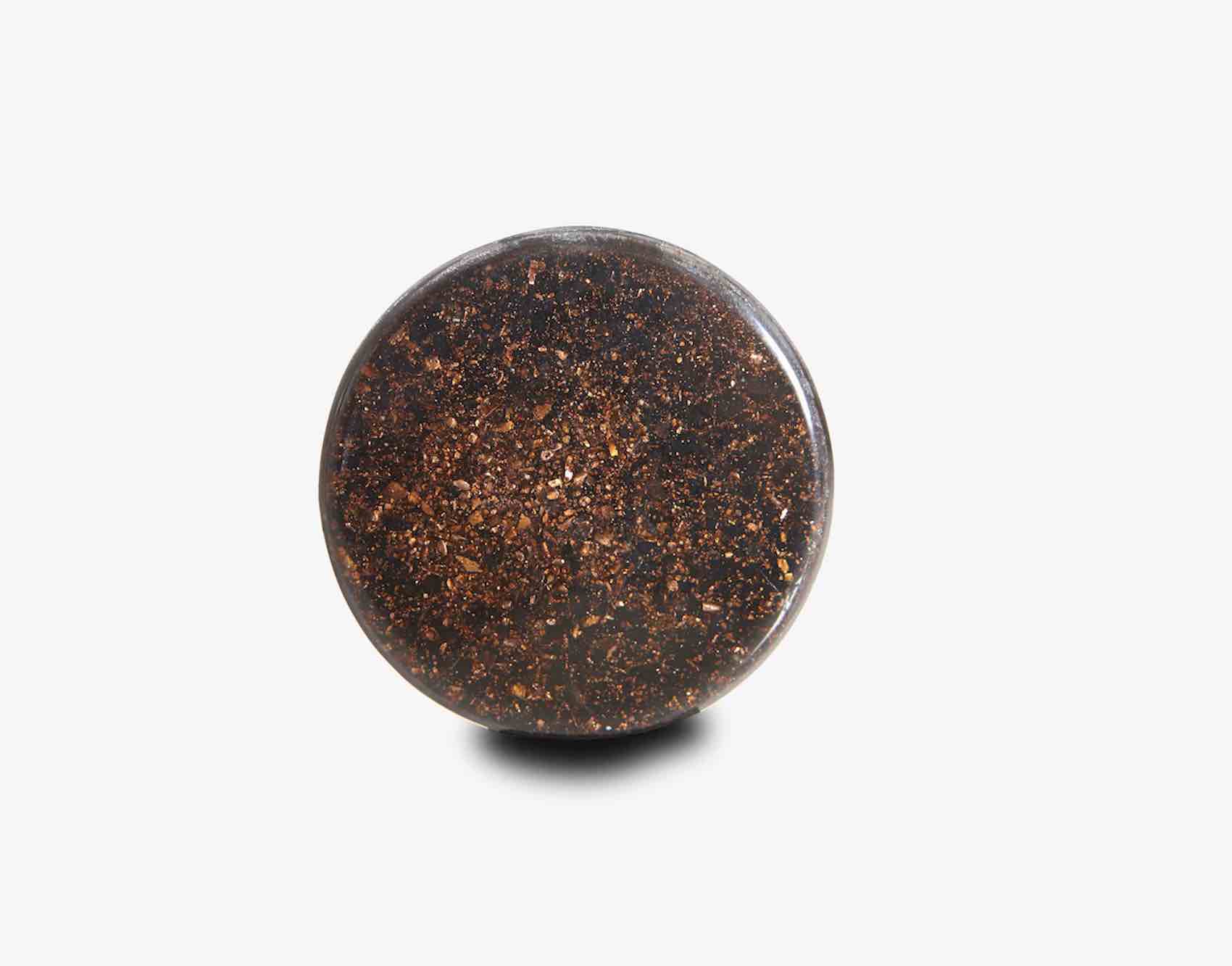 why a large piece is not always practical. In this case, a specific solution like the orgonite cell phone shield makes more sense.
This type of piece is designed to accompany a phone or tablet in a simple way. Even so, the main recommendation is still to reduce bad habits: do not sleep with the phone next to your head, do not carry it in your pocket all the time if you do not need to, and do not use it as an alarm clock right next to your face.
How to organize a home in a simple way
A practical strategy for a normal home could look like this:
- Use Ethernet cable for the main computer if possible.
- Turn Wi-Fi off at night using the router schedule or a timer plug.
- Place one Towerbusters piece near the router.
- Place a pyramid or Towerbusters piece on the desk.
- Use a cell phone shield if you want a specific piece for mobile phone or tablet use.
- Review the bedroom and avoid charging phones next to the bed.
If you want a broader placement guide, you can also read where to place orgonite at home, near the router, bedroom and garden. If you are starting from zero, review what is orgonite and orgone or the complete guide what is orgonite, what is it used for and how to use it.
Common mistakes
Placing orgonite on top of the router and blocking ventilation
Do not do that. Routers heat up and need airflow. Place the piece next to it, behind it or nearby, but do not cover vents or cables.
Believing one piece replaces all good habits
Orgonite can support your environment, but it does not replace common sense. If you can turn Wi-Fi off, use Ethernet or move the phone away from you, do it.
Using only one piece for the whole home
One piece can support a specific point, but a home has several areas. Router, bedroom, desk and living room usually need different strategies.
Conclusion
Orgonite can be a useful tool around routers, computers, mobile phones and electronic devices, but the best strategy combines two things: reduce unnecessary exposure and place the right pieces in the right points.
For the router, Towerbusters are a practical option. For the desk, an orgonite pyramid can add both visual presence and function. For a phone or tablet, the orgonite cell phone shield is the most specific piece.
And if you can go one step further, use Ethernet cable, disconnect Wi-Fi at night and avoid sleeping with devices close to you. It is not about fear. It is about organizing your environment better.



























Leave a comment